
Software
Microsoft Teams isn’t just for businesses—it’s a game-changer for schools looking to modernize communication, streamline workflows, and enhance student engagement. These 10 budget-friendly benefits prove why educators and administrators are adopting Teams to create smarter, more connected classrooms.
Unified Classroom Communication Platform
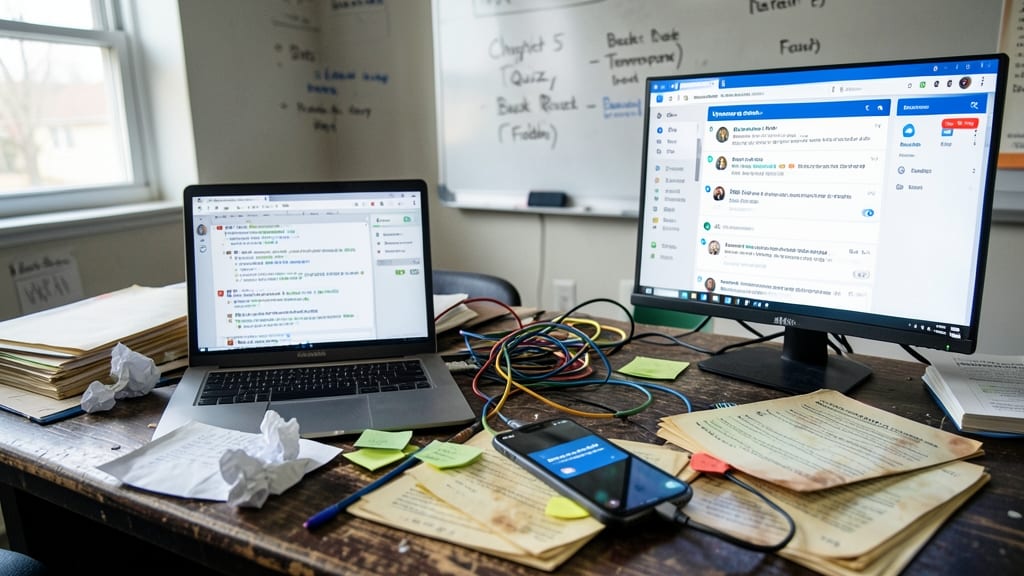
Tired of sifting through endless email threads, missed texts, and lost paper notes? Microsoft Teams consolidates every classroom update—announcements, deadlines, and real-time feedback—into one searchable, organized hub, so nothing slips through the cracks.
Teachers post pinned announcements that stay visible at the top of channels, while deadline reminders sync with students’ calendars. The @mentions feature ensures critical messages stand out, and file attachments (like rubrics or syllabi) live in one place, eliminating the chaos of scattered digital clutter. With read receipts, you’ll finally know when students have seen important updates—no more "I didn’t get the email!" excuses.
This is the lifesaver for overworked educators juggling multiple classes and the clarity boost students need to stay on track. Perfect for schools drowning in disjointed communication tools. 💡
Seamless Integration with Microsoft 365
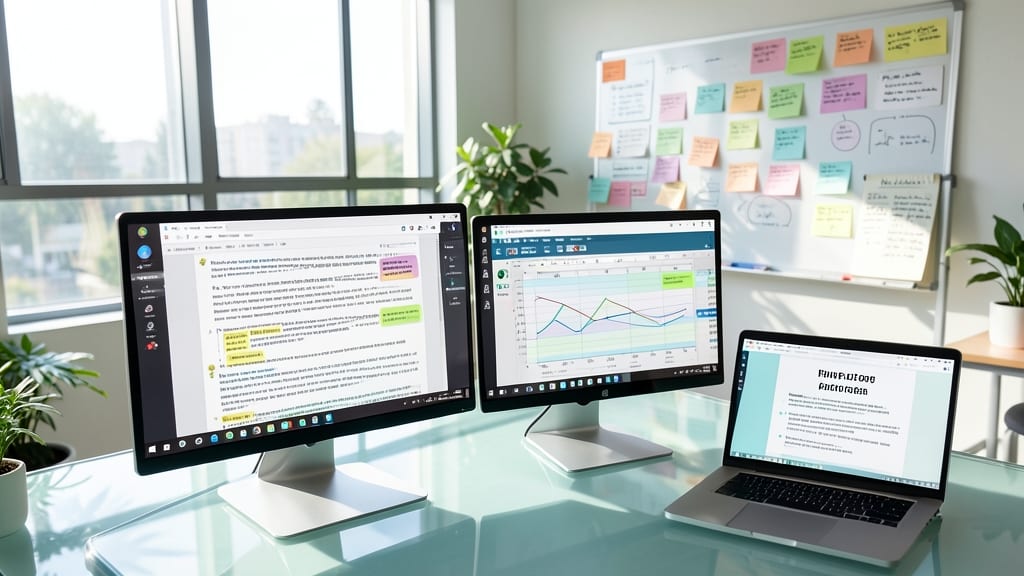
Forget juggling separate apps for assignments and feedback—Microsoft Teams natively embeds Word, Excel, PowerPoint, and OneNote directly into class channels. This means teachers can co-author lesson plans with colleagues in real time, while students submit assignments that auto-pop into a shared folder with version control.
The magic happens with real-time collaboration: multiple students can edit a shared PowerPoint presentation simultaneously, or a teacher can leave voice comments on a Word document while tracking progress via OneNote. No more "Save As" chaos or lost files—every edit is timestamped, and permissions keep work secure. Best of all, it’s zero-config integration with your existing Office 365 license.
This is the secret weapon for hybrid classrooms, where teachers and students work together on documents without leaving the platform. Perfect for language arts teachers grading essays or STEM educators collaborating on lab reports. ✨
Virtual Classrooms for Hybrid Learning

When unexpected closures or hybrid schedules throw a wrench into lesson plans, Microsoft Teams’ virtual classrooms keep learning on track without chaos. Whether it’s a snow day, substitute coverage, or a district’s gradual shift to hybrid models, this built-in feature turns any device into a classroom—no extra apps or complex setups required.
Teachers can host live lessons with screen sharing, use breakout rooms for small-group discussions, and even enable student cameras (or mute them) with one click. The whiteboard tool lets you annotate in real time, while polls and reactions keep students engaged—just like in person. Best of all, it’s part of your existing Office 365 license, so no budget-stretching subscriptions.
Ideal for substitute teachers, snow-day prep, or hybrid transitions, this feature ensures continuity without the hassle of piecing together multiple tools. 💻
Class-Specific Collaboration Spaces
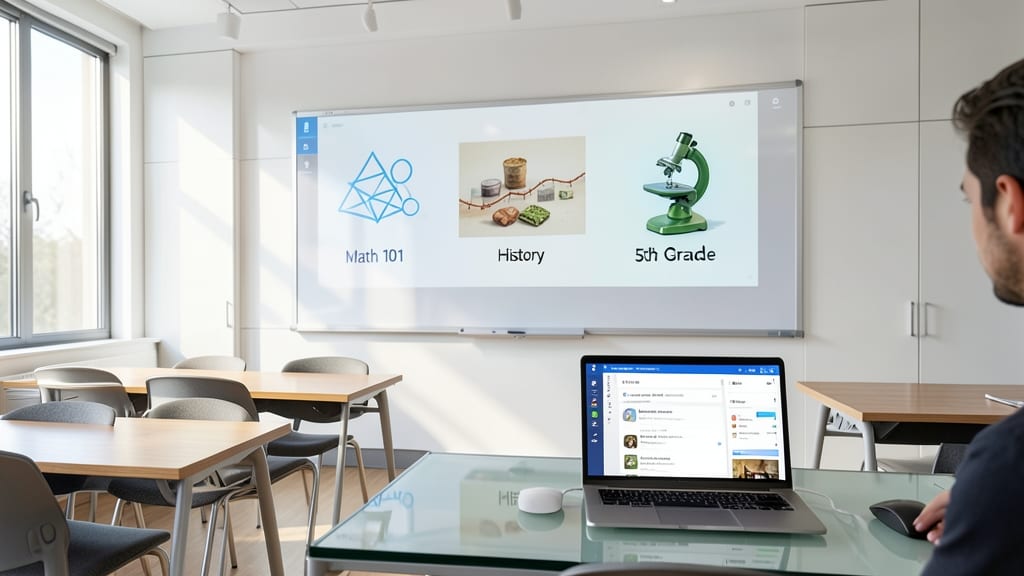
Imagine a classroom where every subject has its own digital space—no more lost messages or overwhelming school-wide chats drowning out important updates. Microsoft Teams solves this with class-specific channels, letting teachers create dedicated hubs for Math 101, History, or 5th Grade Science, keeping discussions focused and age-appropriate.
Each channel acts like a virtual classroom, where teachers can pin assignments, share OneNote lessons, and host subject-specific chats—all without students seeing unrelated discussions. The @mentions feature ensures students only see relevant notifications, while private file folders keep resources organized by grade or topic. For younger students, this cuts down on distractions while teaching digital organization skills early.
Perfect for elementary schools or middle grades where managing multiple subjects can feel chaotic, these spaces turn Teams into a structured, noise-free learning environment. ✨
Built-In File Sharing and Version Control

Say goodbye to the dreaded "I saved it on a USB drive and lost it" moment. Microsoft Teams’ built-in file sharing and version control automatically saves every edit, so students never submit outdated drafts—and teachers never have to chase down missing work.
With OneDrive integration, files sync across devices, and the version history feature lets you restore previous drafts in seconds. Need to share a lesson plan or rubric? A single click sends it directly to students via Teams channels, eliminating email chains or confusing file attachments. Plus, permissions ensure only approved students access materials.
This feature is a lifesaver for high school teachers managing research papers or elementary educators tracking art project revisions. No more lost assignments—just seamless collaboration. ✨
Parent-Teacher Communication Tool
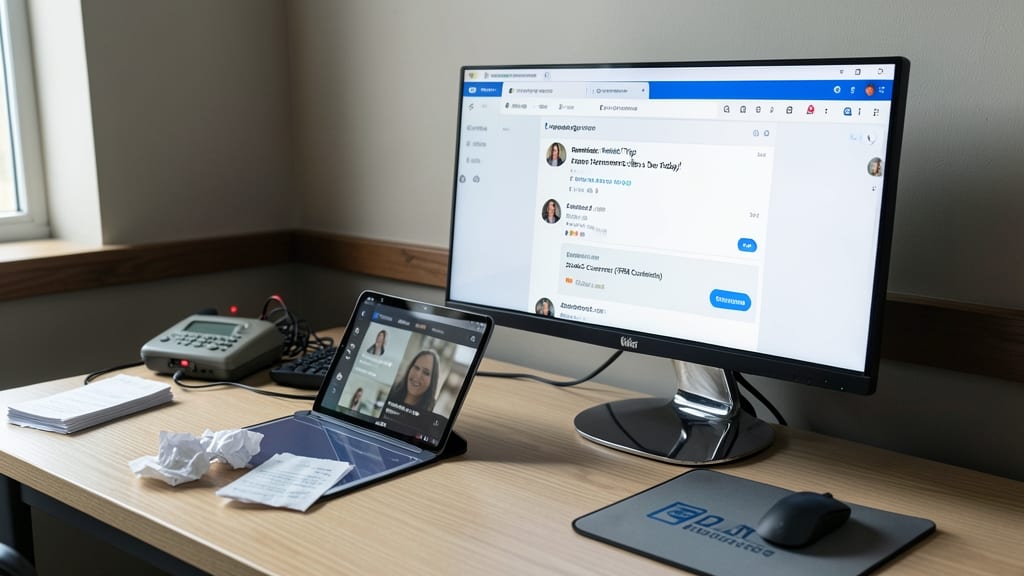
Tired of chasing parents down for missing permission slips or chasing down voicemails that never get returned? Microsoft Teams’ parent groups create secure, organized hubs where teachers can share updates, assignments, and event reminders—all while keeping conversations private and compliant with FERPA.
Schools can create class-specific parent channels (e.g., "Ms. Johnson’s 3rd Grade") where teachers post announcements, share calendar events, and even embed documents like field trip forms. The @mention feature ensures critical messages stand out, while admin controls let districts restrict access to approved guardians only. No more lost emails or voicemail tag—just clear, timely communication that parents actually see. 💻
Perfect for PTA coordinators, special education teams, or any educator juggling parent outreach, this tool cuts down on phone tag while keeping everyone informed—without adding another app to the mix. ✨
Student Project Collaboration Features
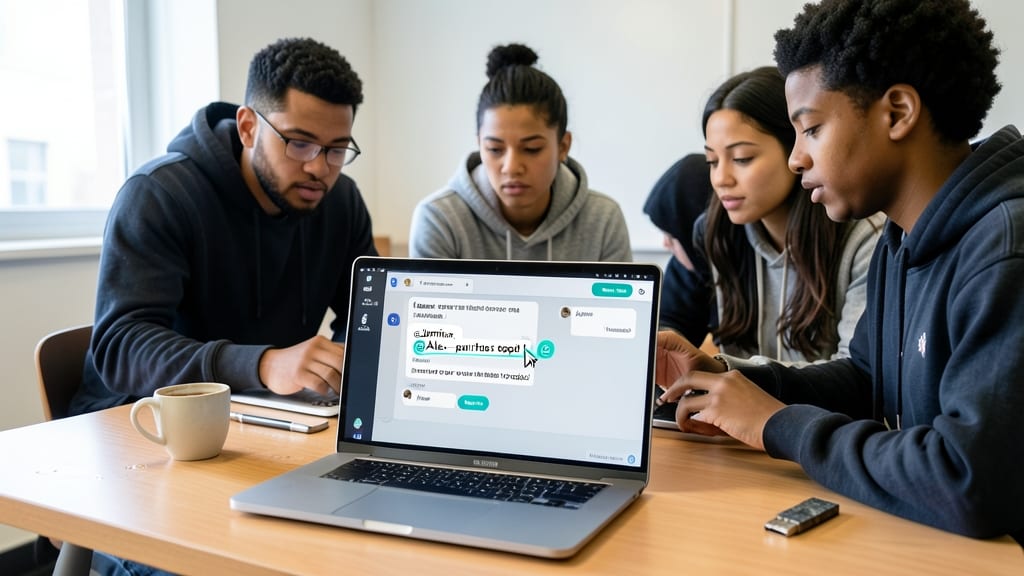
Group projects used to mean frantic last-minute texts and dropped USB drives—but Microsoft Teams turns chaos into clarity. With built-in @mentions, students can tag teammates directly in chats, ensuring no one misses a deadline or assignment update.
Polls let groups vote on ideas in seconds, while task lists with due dates and progress bars keep everyone accountable. The shared workspace integrates with Word, Excel, and PowerPoint, so files stay organized and version-controlled—no more "I saved it as v3finalfinal.docx" confusion.
This isn’t just about finishing projects—it’s preparing students for real-world collaboration. High schoolers working on presentations and college-bound teams tackling research will develop skills that future employers demand. ⚡
Free and Scalable for All School Sizes

Rural schools with tight budgets and sprawling districts with complex needs can both access Microsoft Teams for free through Microsoft Education’s Office 365 A1 license. This zero-cost entry point removes financial barriers, letting even the smallest schools adopt the same powerful tools as urban counterparts.
The platform scales seamlessly—whether you’re a one-room schoolhouse or a 5,000-student district, Teams handles the load. Admins control permissions school-wide, while teachers manage individual class channels without IT headaches. Plus, the same features (live lessons, file sharing, and collaboration) work identically across all devices, from Chromebooks to tablets.
Perfect for districts where funding fluctuates or IT teams are stretched thin, Teams grows with your needs—no per-student fees or hidden costs. 💪
Built-In Polls and Quizzes for Engagement
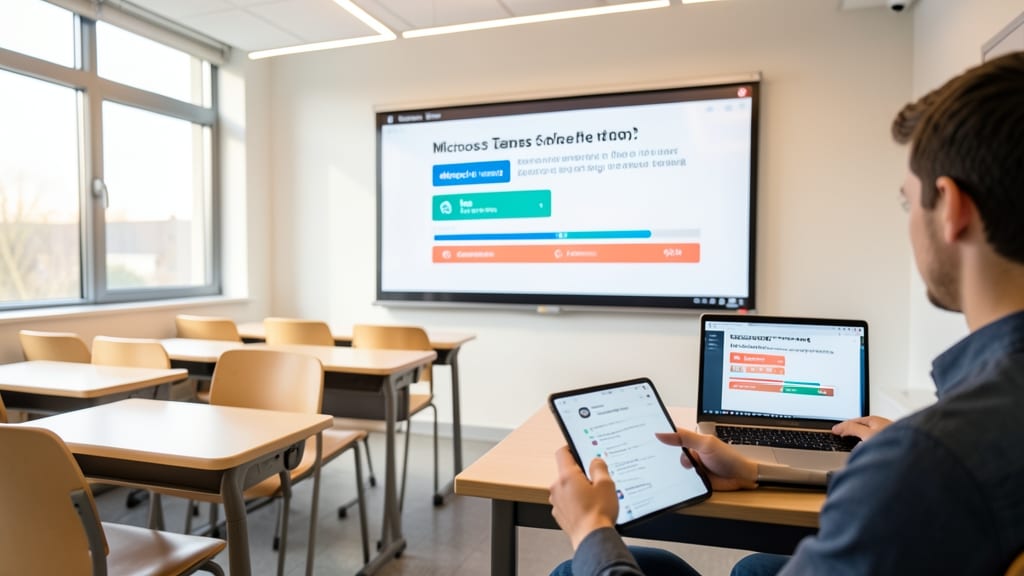
Turn passive learning into interactive moments with Teams’ built-in polls and quizzes, designed to keep students engaged without leaving the classroom platform. These tools transform lectures into two-way conversations, letting teachers instantly check comprehension with questions that appear on every device—no extra apps or logins required.
Create real-time multiple-choice polls (with emoji reactions for fun) or formative quizzes that adapt to student responses, all while tracking results in the same space. The Planner integration lets you assign follow-up tasks based on poll outcomes, ensuring no student falls behind. For language classes, use the translation feature to check understanding across languages—all within the same interface.
Perfect for substitute teachers needing quick engagement tools or AP classes requiring instant feedback, these features work across devices and grade levels. No training curve—just click, share, and watch participation soar. ✨
Security and Compliance for K-12
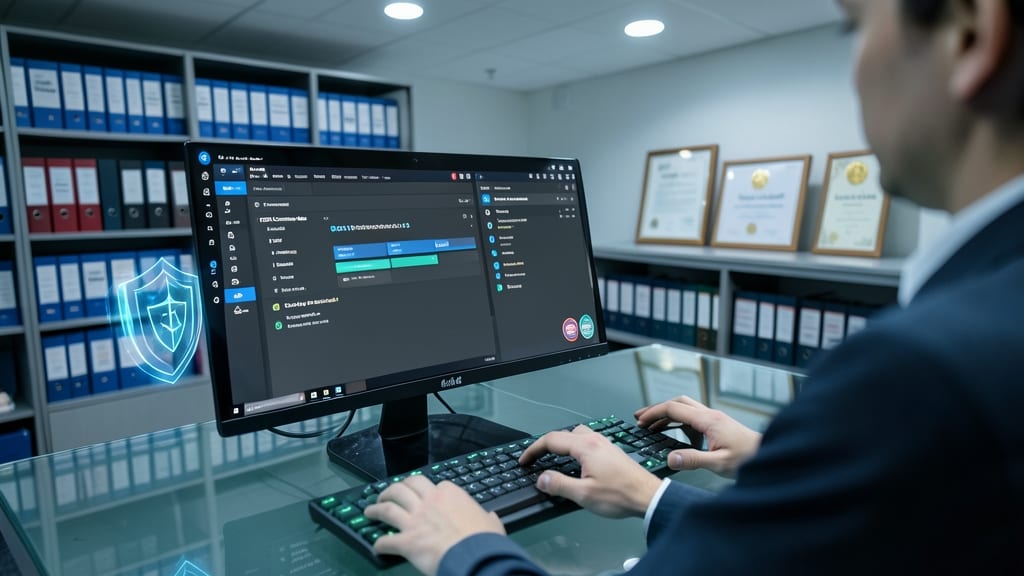
Worried about student data privacy or district compliance? Microsoft Teams for Education was built with FERPA and COPPA in mind, offering granular admin controls that give IT departments full visibility and management over school accounts.
School administrators can enforce message filtering to block inappropriate content, set device management policies to wipe lost devices remotely, and restrict access by grade level or class. The platform also includes end-to-end encryption for all communications, ensuring sensitive information stays secure—whether students are chatting, sharing files, or joining virtual classrooms. 🔧
This level of security isn’t just a checkbox—it’s a peace of mind for districts navigating complex regulations, making Teams the compliance-ready choice for K-12 IT teams. ⚡