
Coding
SQL Server 2012 introduced groundbreaking features that transformed database management. These 10 innovations—from enhanced security to performance optimizations—revolutionized how developers and administrators build, secure, and scale enterprise applications.
Columnstore Indexes for Massive Data Compression

If your data warehouse queries are slower than a dial-up connection, columnstore indexes in SQL Server 2012 might be your game-changer. This feature introduced a radical shift from traditional row-based storage, compressing data vertically instead of horizontally to slash storage costs and boost query speeds dramatically.
With columnstore indexes, you can achieve 10x faster query performance on large datasets by scanning only the columns needed for analytics. The compression ratio often reaches 10:1, meaning a 1TB database could shrink to just 100GB—without sacrificing performance. It’s especially powerful for OLAP workloads, where aggregations and scans dominate, as it eliminates I/O bottlenecks by leveraging batch processing.
Perfect for data analysts, BI teams, and enterprises drowning in historical data, columnstore indexes turn slow, resource-heavy queries into near-instant results. ⚡
AlwaysOn Availability Groups for High Availability

Mission-critical applications can’t afford downtime—and AlwaysOn Availability Groups in SQL Server 2012 solved that problem with synchronous replication. This feature lets you mirror data across multiple servers in real time, ensuring that if one node fails, another instantly takes over without users noticing.
With support for up to 8 secondary replicas, you can distribute read workloads while keeping writes synchronized. The automatic failover feature minimizes manual intervention, and it works seamlessly with Windows Server Failover Clustering for enterprise-grade reliability. Whether you're running e-commerce platforms or financial systems, this setup guarantees continuous availability.
Ideal for organizations where uptime is non-negotiable, AlwaysOn Availability Groups eliminate single points of failure and reduce recovery time to near-zero. For any business relying on real-time data integrity, this is a game-changer. ✨
Contained Databases for Simplified Deployment

Tired of juggling server permissions just to test a database? Contained Databases in SQL Server 2012 let you deploy self-sufficient databases that run without relying on server-level logins or system configurations.
With contained database authentication, you can manage users entirely within the database itself—no admin privileges needed. This feature also supports contained database backups, meaning you can move or restore databases without touching the server instance. Perfect for developers working in shared environments or cloud deployments where isolation is key.
Ideal for DevOps teams, SaaS providers, and multi-tenant cloud setups, this feature streamlines deployments while maintaining security and portability. ✨
Windows Server Core Support for Lightweight Installations
If you’ve ever struggled with bloated SQL Server deployments in cloud or virtualized environments, Windows Server Core support in SQL Server 2012 was your game-changer. This lightweight installation stripped away unnecessary GUI components, leaving only the essentials—like the SQL Server engine, services, and core utilities—to slash resource overhead and tighten security.
The result? A footprint as small as 1GB (vs. 10GB+ for full Windows Server) while maintaining full functionality. With fewer attack surfaces, cloud admins gained peace of mind, and virtualized databases ran more efficiently. The trade-off? A command-line-only management experience, but the performance and security gains made it worth it for DevOps teams optimizing for scale.
Perfect for cloud providers, SaaS platforms, or any team running SQL Server in high-density virtualized environments, this feature turned "lean" into a competitive advantage. 💻
Contained User Authentication for Self-Managed Security
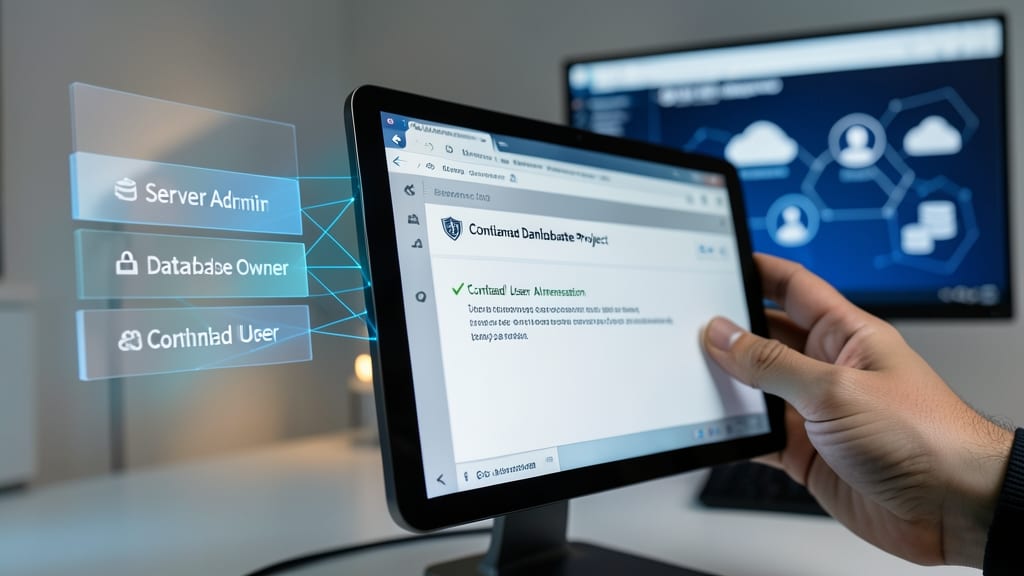
Tired of juggling server-level permissions just to manage user accounts? Contained User Authentication in SQL Server 2012 lets database owners handle credentials independently—no admin rights required. This game-changer was specifically designed for SaaS providers and multi-tenant apps where granular control is non-negotiable.
With this feature, you can create, modify, and revoke user logins directly within the database using SQL Server authentication or Windows authentication. The best part? Credentials stay contained within the database, so they don’t clutter the server’s login list. This reduces security risks by limiting exposure of sensitive credentials while maintaining full control over access.
Perfect for SaaS platforms or applications with shared hosting environments, this feature ensures tenants can manage their own users without requiring server-wide privileges. It’s the ideal solution for developers who need security without sacrificing flexibility. ✨
Power View for Interactive Data Visualization
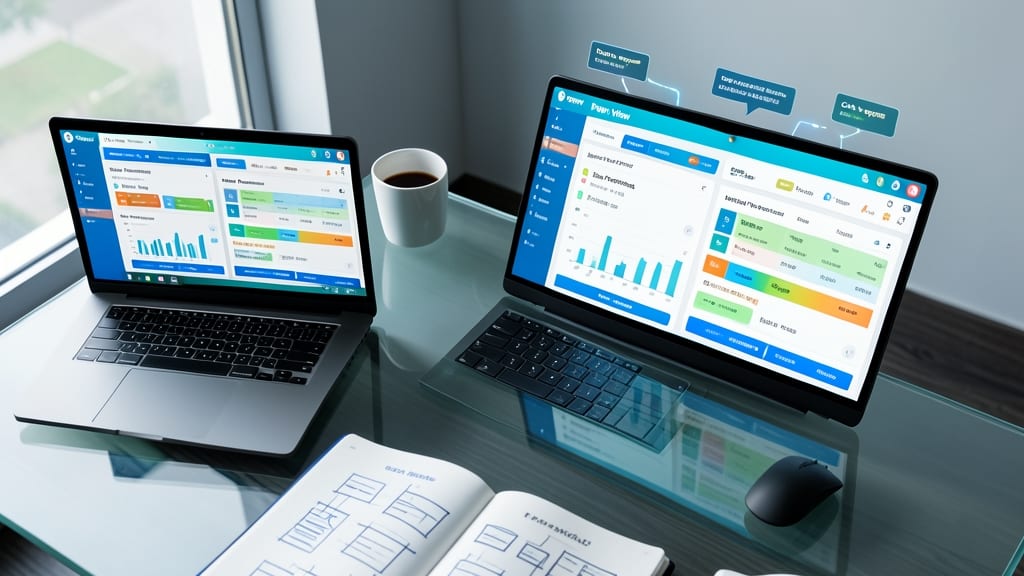
Tired of waiting for IT teams to generate reports while business decisions stall? Power View in SQL Server 2012 democratized data exploration by letting non-technical users create stunning, interactive dashboards directly from their databases.
This self-service BI tool supported drag-and-drop data visualization with 2D/3D charts, maps, and pivot tables—all without writing a single line of SQL. It integrated seamlessly with SharePoint and SQL Server Reporting Services, making it easy to share real-time insights across organizations. The tool also included built-in data modeling capabilities, letting users define relationships between tables visually.
Perfect for marketing teams tracking campaign performance or sales managers analyzing regional trends, Power View eliminated the bottleneck between raw data and actionable insights. 💡
SQL Server Data Tools for Unified Development
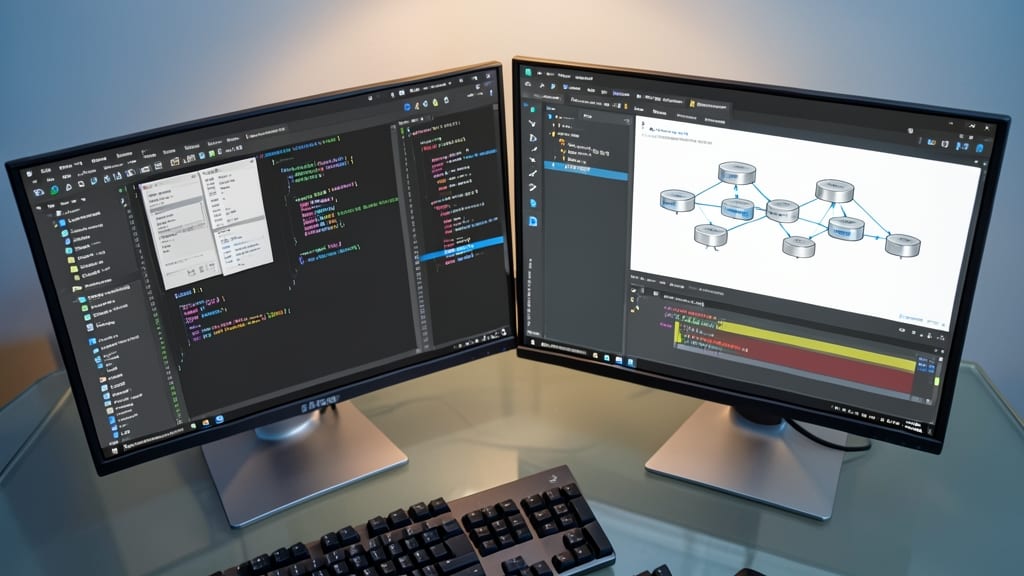
Tired of juggling separate tools for database development, debugging, and deployment? SQL Server Data Tools (SSDT) bridges that gap by embedding everything directly into Visual Studio, creating a seamless workflow for enterprise teams.
With SSDT, you get database project templates for schema management, debugging support with breakpoints in T-SQL, and one-click deployment to SQL Server instances. The integration with Visual Studio’s source control and Team Foundation Server (TFS) ensures versioning and collaboration stay in sync. Plus, the schema comparison tools let you sync changes between environments effortlessly.
This is a game-changer for enterprise developers and database administrators working on complex applications where consistency and speed matter most. 💻
Enhanced AlwaysOn Failover Clustering Improvements

When disaster strikes—whether it's a server crash or network failure—your database shouldn’t be the weak link. SQL Server 2012’s Enhanced AlwaysOn Failover Clustering introduced automatic failover and dynamic load balancing, turning high availability from a manual process into a self-healing system.
With synchronous commit across multiple replicas, you get near-zero data loss, while automatic client redirection ensures applications stay online during failovers—no manual intervention required. The readable secondary replicas feature also lets you distribute read workloads, reducing primary server load by up to 50%. This makes it ideal for global enterprises where uptime isn’t negotiable.
Perfect for financial systems, e-commerce platforms, or healthcare databases, this feature eliminates the guesswork in disaster recovery. Your mission-critical apps stay resilient—without the overhead. ✨
SQL Server Audit for Comprehensive Security Tracking

Regulated industries like finance or healthcare now have a powerful tool to meet compliance requirements with SQL Server Audit. This feature introduced granular, real-time tracking of every database event—from schema changes to user logins—without requiring third-party solutions.
You can configure audits to capture successful and failed actions, including DML operations, schema modifications, and login attempts, all stored in secure audit logs. The zero-configuration setup for basic tracking makes it accessible even for teams new to auditing, while advanced filtering ensures you only monitor what matters for your compliance needs.
Ideal for IT security teams and compliance officers, SQL Server Audit eliminates guesswork during audits and provides forensic evidence when incidents occur. 💻
Memory-Optimized Table Types for In-Memory Performance

When every millisecond counts—like in high-frequency trading or multiplayer gaming—memory-optimized table types in SQL Server 2012 became a game-changer. These tables bypass disk I/O entirely by storing data exclusively in RAM, cutting latency to near-zero for transaction-heavy workloads.
Designed for non-durable but ultra-fast operations, they support optimistic concurrency control and natively compiled stored procedures, delivering 10-100x faster performance for OLTP systems. The tradeoff? Data isn’t persisted to disk by default, making it ideal for temporary or recoverable workloads where speed outweighs persistence needs.
Financial platforms processing thousands of trades per second or online games syncing player actions in real time found this feature indispensable. For developers, it’s the ultimate tool when raw speed is the priority. ⚡