
Software
Mastering Microsoft Access can transform how you manage data—whether for personal projects or professional workflows. These 10 free online courses cater to absolute beginners and seasoned data professionals, offering hands-on skills without the cost.
Microsoft Access Beginner Tutorial by Microsoft Official
Skip the guesswork and learn Microsoft Access from the source—Microsoft’s official beginner tutorial is your no-risk starting point. Designed for absolute beginners, this course cuts through the jargon and teaches you how to build databases from scratch, using real-world examples like contact managers and inventory trackers.
You’ll master the core building blocks: creating tables with proper relationships, writing queries to extract data, and designing user-friendly forms—all through step-by-step video lessons paired with interactive exercises. No prior experience? No problem. The course even includes downloadable practice files so you can follow along hands-on, reinforcing concepts as you go.
Perfect for small business owners, students, or office workers who need to organize data efficiently. With Microsoft’s stamp of approval, you’re guaranteed accurate, up-to-date training—completely free and self-paced. ✨
Access 2016 Tutorial for Beginners by GCF Global
If you’ve ever felt overwhelmed by Microsoft Access tutorials packed with dense text and jargon, GCF Global’s Access 2016 course is your visual lifeline. Designed specifically for learners who grasp concepts faster with images and animations, this tutorial replaces dry explanations with step-by-step screenshots, interactive diagrams, and real-time demonstrations of every feature.
You’ll start with the fundamentals—creating tables, setting relationships, and designing forms—but the real magic happens when you apply these skills to practical scenarios. The course walks you through building small business databases, like inventory trackers or customer management systems, ensuring you leave with a portfolio-worthy project. Each lesson includes downloadable practice files so you can experiment without fear of breaking anything.
Perfect for small business owners, entrepreneurs, or anyone intimidated by traditional tutorials, this course turns abstract concepts into actionable skills—no prior experience required. The free, self-paced format means you can pause, rewind, and revisit lessons as often as you need. ✨
Microsoft Access Crash Course by Udemy Free
If you’ve got three hours max but want to master Microsoft Access’s core features, this Udemy crash course delivers—without fluff. Packed into a two-hour video, it covers relationships, macros, and reporting in a way that sticks, even for total beginners.
The course skips theory and dives straight into practical skills: designing tables, automating tasks with macros, and generating professional reports. You’ll leave knowing how to build a functional database from scratch, plus troubleshoot common pitfalls. Best of all, it’s completely free—no credit card required.
Perfect for small business owners, freelancers, or analysts who need quick, actionable skills. No prior experience? No problem—this is the fastest way to go from zero to functional. ⚡
LinkedIn Learning: Microsoft Access Essential Training
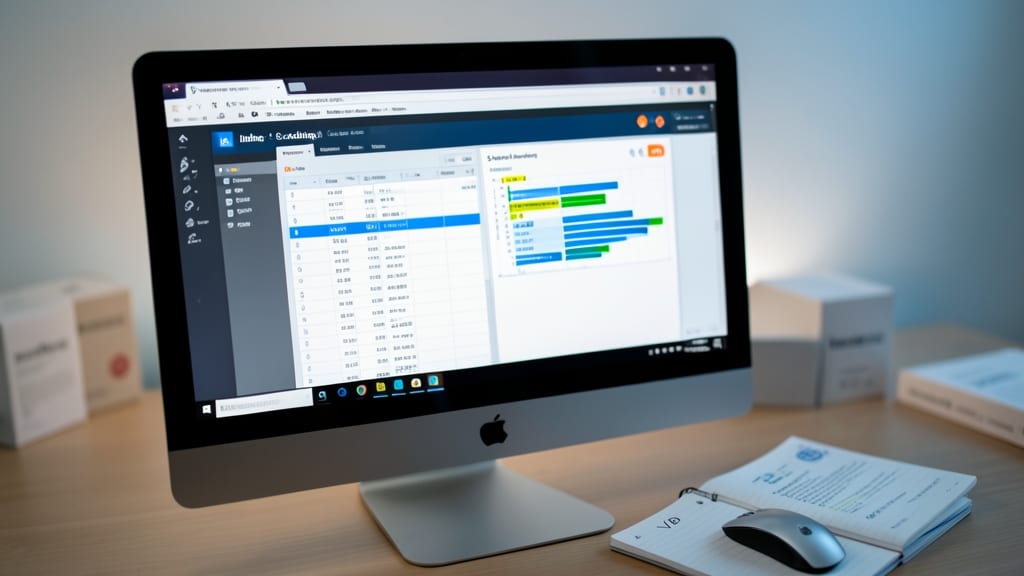
Ready to turn your Access skills into a career asset? LinkedIn Learning’s Microsoft Access Essential Training dives deep into advanced productivity tools like pivot tables for dynamic reporting and VBA automation to streamline repetitive tasks.
The course spans 5+ hours of structured lessons, covering macros for workflow automation, query optimization, and database security best practices. Unlike beginner courses, it assumes prior knowledge but gently reinforces fundamentals—perfect for professionals who need to impress clients or managers with efficient data solutions.
Ideal for data analysts, office managers, or freelancers looking to stand out, this course pairs well with LinkedIn’s free trial. ⚡
YouTube: Access Tutorials by Access Expert
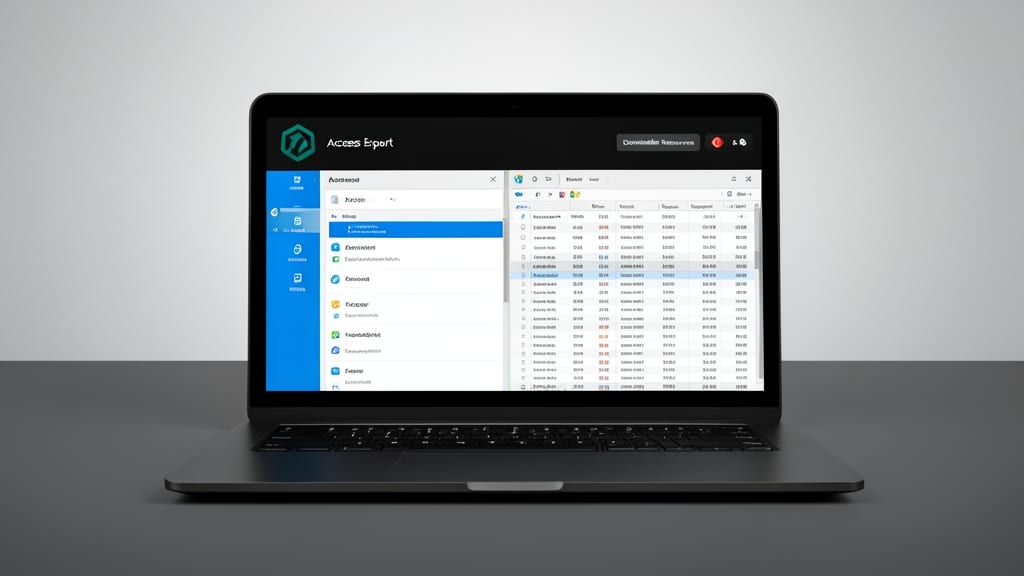
If you learn best by watching real-time demonstrations, the Access Expert YouTube channel is your go-to resource. With over 50+ free tutorials, it covers everything from basic queries to advanced SQL integrations, all demonstrated step-by-step with visual clarity.
Each video includes downloadable practice files to follow along, ensuring you can apply what you learn immediately. The channel’s structured approach—from beginner queries to complex database relationships—makes it perfect for self-paced learners who thrive on visual guidance.
Ideal for data enthusiasts or professionals needing hands-on SQL skills, this channel bridges the gap between theory and practical application without hidden costs. ✨
Coursera: Databases with Microsoft Access by University System of Georgia
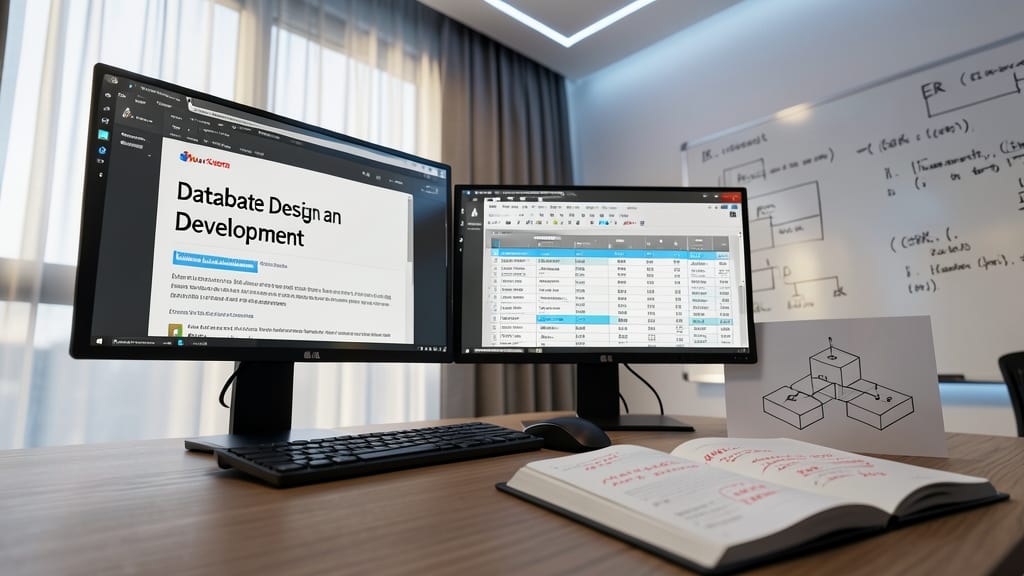
Want to master database theory and apply it in Microsoft Access—without paying a dime? The University System of Georgia’s Coursera course delivers a rare blend of academic depth and hands-on projects, covering everything from normalization rules to real-world database design.
You’ll dive into indexing strategies, query optimization, and even relational algebra—concepts often missing in beginner tutorials—while building projects like inventory trackers or customer management systems. The course includes graded assignments and peer reviews, mirroring a university experience but with zero tuition costs (audit mode is free).
This is the perfect fit for students studying computer science or data analysts transitioning from Excel to structured databases. 💡
Microsoft Virtual Academy: Access 2013 Jump Start
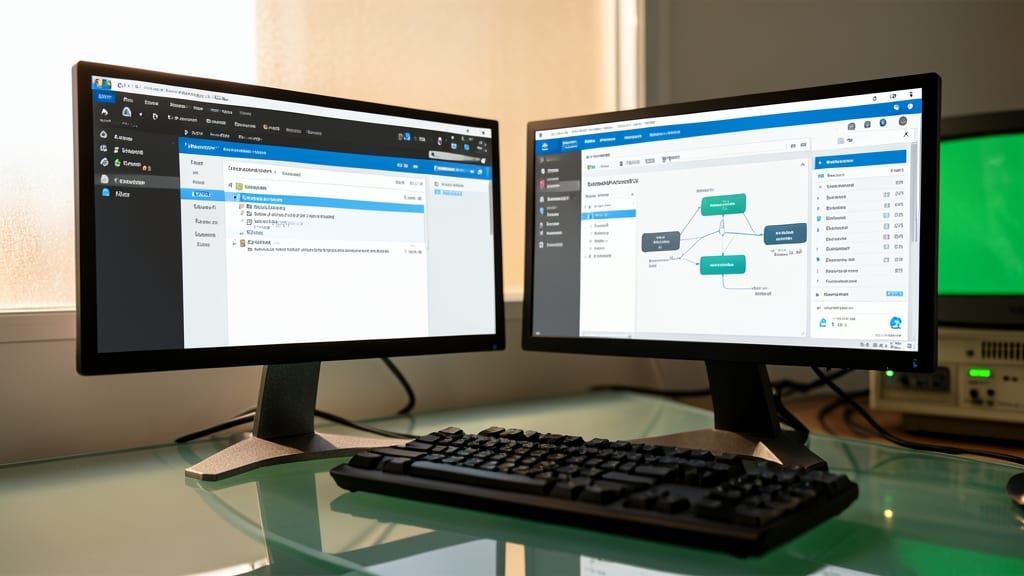
If you're an IT pro maintaining legacy systems, the Microsoft Virtual Academy’s Access 2013 Jump Start unlocks hidden capabilities most beginners overlook. This isn’t just another intro course—it dives into web databases and SharePoint integration, bridging the gap between desktop and cloud workflows.
The course covers real-world scenarios like publishing Access apps to SharePoint, creating data-bound web forms, and leveraging SQL Server backends—features often ignored in basic tutorials. With 10+ hands-on demos, you’ll learn to modernize older databases without rewriting code from scratch. The free, self-paced format includes downloadable lab files to practice migrations.
Perfect for sysadmins or developers tasked with upgrading Access 2010/2007 systems, this course turns outdated databases into SharePoint-compatible solutions. ⚡
Access World Summit Free Webinars

If you’ve mastered the basics of Microsoft Access but crave deeper expertise, the Access World Summit Free Webinars are your gateway to specialized knowledge. Hosted by industry experts, these sessions dive into advanced topics like geospatial data integration and cloud-based Access workflows, filling gaps left by standard tutorials.
Each webinar offers live Q&A sessions with professionals who tackle real-world challenges, such as optimizing database performance or troubleshooting complex queries. Topics like Access in Azure or advanced VBA automation ensure you’re learning skills directly applicable to modern workflows. Recordings are also available on-demand, so you can revisit sessions at your own pace.
Perfect for data analysts, GIS specialists, or IT pros looking to push beyond fundamentals, these webinars provide the niche expertise often missing in broader courses. 💡
SoloLearn: Learn Microsoft Access with Interactive Lessons
Tired of sitting through long video tutorials when you could be learning Microsoft Access during your commute? SoloLearn’s mobile-first approach turns database fundamentals into an engaging, game-like experience—no desktop required.
The platform delivers bite-sized lessons (2-5 minutes each) on core topics like table relationships, queries, and form design, followed by instant quizzes to reinforce what you’ve learned. With offline mode and progress tracking, you can practice anywhere—whether you’re waiting for your coffee or killing time between meetings. The interactive exercises mimic real-world scenarios, like building a simple inventory database, without overwhelming you with theory.
This is ideal for busy professionals, students, or hobbyists who learn best through repetition and instant feedback. If you’ve ever struggled to focus on traditional tutorials, SoloLearn’s gamified structure might finally make Access click. 💻
Microsoft Docs: Access Tutorials and Samples
If you learn best by reading and want ready-to-use templates instead of just theory, Microsoft Docs is your go-to resource. Unlike video-heavy courses, this official hub delivers step-by-step guides, downloadable Access files (like invoices and inventory trackers), and troubleshooting walkthroughs—all curated by Microsoft’s own experts.
You’ll find pre-built database templates for common tasks (e.g., contact managers, event planners) with clear instructions on customization. The troubleshooting section covers errors like corrupted files or query failures, while the API reference helps bridge Access with other Microsoft tools. Best of all, it’s completely free and updated with each Access version.
This is perfect for self-starters who want to dive into projects immediately—no fluff, just practical, searchable documentation you can bookmark and revisit. 💡