
Operating System
Tired of boring spreadsheets that bury insights? These 10 creative financial data visualization techniques transform complex numbers into compelling, interactive stories that engage stakeholders and drive decisions.
Animated Storytelling Time Series Charts

Investors don’t just want numbers—they want the story behind them. Animated storytelling time series charts turn static financial trends into dynamic narratives that highlight key moments, like revenue spikes or cost reductions, with smooth transitions and contextual emphasis.
Tools like Plotly’s animated line charts or Tableau’s motion effects let you control pacing, pause at critical points, and overlay annotations to explain what’s happening. The result? A presentation where the data feels alive, making complex patterns—like seasonal fluctuations or market corrections—easy to grasp at a glance.
Perfect for pitch decks or board meetings, this approach transforms dry data into a compelling visual journey that keeps stakeholders engaged. ✨
Interactive Geospatial Heatmaps

Struggling to explain why sales spike in Denver but lag in Pittsburgh? Interactive geospatial heatmaps turn raw location data into intuitive visual stories that reveal patterns at a glance. Unlike static maps, these tools let users hover over regions to see exact revenue figures, customer counts, or growth percentages—all without leaving the dashboard.
Platforms like Tableau or Power BI make this effortless with drag-and-drop heatmap builders that support real-time data feeds and custom color gradients. For example, a retail chain could instantly spot which zip codes drive 80% of profits or identify underperforming regions needing attention. The clickable data points even let stakeholders drill down to transaction-level details.
Ideal for franchise owners, real estate investors, or logistics teams, these maps turn abstract numbers into actionable insights—no spreadsheet skills required. 🌟
Dynamic Scatter Plot Matrix
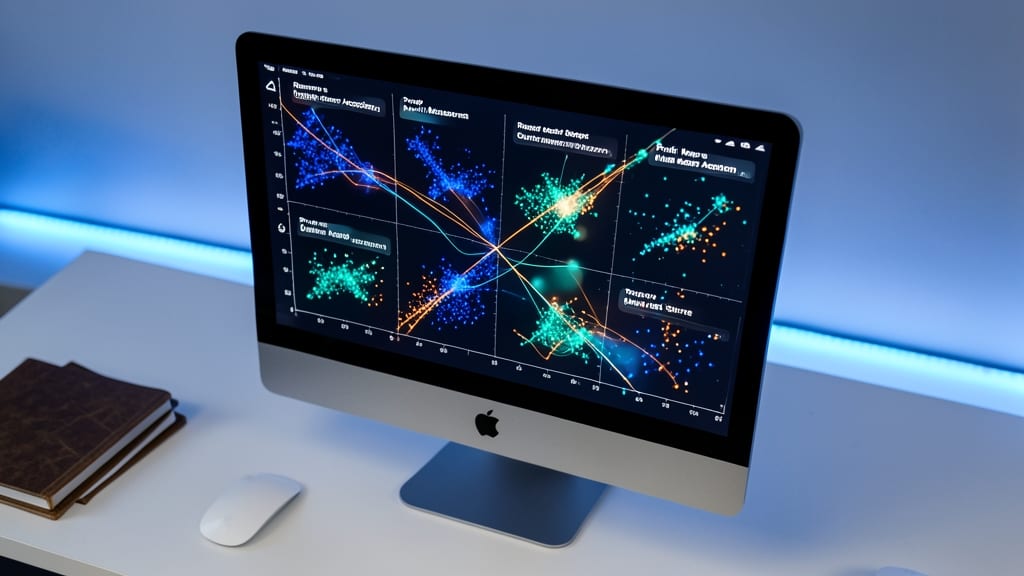
When financial datasets feel like a tangled web of relationships, a Dynamic Scatter Plot Matrix cuts through the noise by revealing patterns you’d miss with traditional charts.
This visualization displays multiple scatter plots in a grid, where each cell compares two variables while maintaining context across the entire dataset. Tools like Plotly or Tableau make it easy to add interactive filters—hover to see exact values, click to isolate clusters, and adjust axes dynamically. The real magic? Spotting non-linear correlations (like revenue spikes tied to seasonal inventory) that line charts or heatmaps would obscure.
Perfect for quantitative analysts or portfolio managers dissecting risk factors, this technique transforms raw data into actionable insights. Just don’t expect it to work for audiences who prefer simple bar graphs. ⚡
3D Financial Model Explorations

When flat charts leave your audience squinting at stacked numbers, 3D financial models bring clarity through spatial depth. Tools like Tableau’s 3D visualizations or Power BI’s spatial analytics let you rotate budget structures, revealing hidden relationships between revenue streams, cost centers, and projections—all in real time.
With interactive 3D bars, stacked area charts, or even 3D maps, you can highlight year-over-year growth by tilting the view to compare quarters. The real-time rotation feature lets stakeholders "walk around" financial forecasts, spotting anomalies like unexpected dips in R&D spending or sudden spikes in customer acquisition costs. For complex models with 10+ variables, this spatial approach often uncovers insights that 2D charts miss entirely.
Perfect for investor decks, strategic planning sessions, or executive reviews, where explaining multi-dimensional trade-offs matters more than raw numbers. Just ensure your audience has access to a device with a touchscreen or mouse for smooth exploration—otherwise, the 3D effect loses its magic. ✨
Personalized Financial Journey Maps

Struggling to make financial progress feel tangible for clients? Personalized Financial Journey Maps turn abstract numbers into a visual story of growth, milestones, and achievements—perfect for advisors who want to build trust through emotional connection.
Tools like Tableau’s timeline visualizations or Canva’s interactive infographics let you map key financial events (e.g., investments, debt payoff, retirement planning) along a timeline with custom icons and color-coded progress bars. The result? A client-facing narrative that shows progress in a way spreadsheets never could—highlighting wins and addressing concerns with a human touch.
Ideal for wealth managers, financial coaches, and small business advisors, this approach turns data into a collaborative conversation starter, especially when paired with real-time updates. 💡
Real-Time KPI Scorecards
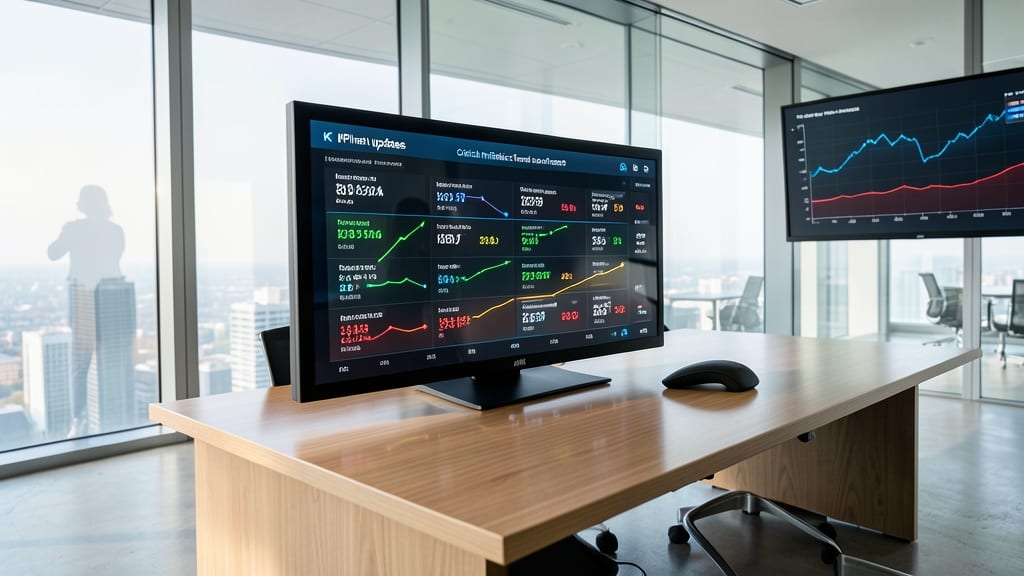
Executives don’t have time for outdated reports—what they need are real-time KPI scorecards that update instantly and put critical metrics front and center. Unlike static charts or historical visualizations, these dashboards deliver live performance data with minimal latency, ensuring decisions are based on the most current figures.
Modern tools like Power BI’s real-time streaming datasets or Tableau’s live data connections pull metrics directly from databases (e.g., SQL, Salesforce) with sub-second refresh rates. Features like color-coded thresholds (green/yellow/red) highlight outliers at a glance, while drill-down capabilities let users explore trends without leaving the dashboard. For CFOs and board members, this means spotting revenue drops or operational bottlenecks the moment they occur.
This approach is perfect for quarterly reviews, investor updates, or crisis management where every second counts. 💪
Comparative Financial Infographics

Struggling to explain why your Q3 revenue outpaced competitors—or how your budget stacks up against last year’s? Comparative financial infographics turn abstract numbers into intuitive visual metaphors, like stacking blocks to show growth or side-by-side skylines for market share.
Tools like Canva’s financial templates or Piktochart’s comparison layouts let you drag-and-drop icons, color-coded bars, or even 3D models to represent data (e.g., a rising skyscraper for revenue spikes). The best part? You can swap out scenarios with a click—compare 2023 vs. 2024 projections or Competitor A vs. B without overwhelming your audience with spreadsheets. These designs work equally well in boardrooms or client decks.
Perfect for non-technical stakeholders—like investors or team leads—who grasp visuals faster than tables. Just avoid overloading with data; focus on one key insight per infographic. ✨
Voice-Activated Financial Summaries

Imagine walking into a boardroom and instantly pulling up last quarter’s revenue trends—without touching a keyboard. Voice-activated financial summaries let executives like you drill into key metrics hands-free, whether you’re on a call or mid-meeting.
Tools like Google Assistant’s Smart Finance or Amazon Lex for Financial Insights integrate with platforms such as Power BI or Tableau to process voice commands like “Show me Q3 profit margins by region” or “Compare last year’s R&D spend to this quarter.” These systems use natural language processing (NLP) to extract insights from your data, then display them in real-time dashboards—all while you stay engaged in the conversation.
This approach is a game-changer for CFOs, startup founders, or sales leaders who juggle meetings and data analysis. No more fumbling for laptops or interrupting discussions—just ask, and the insights appear. ✨
Interactive Risk Heatmaps
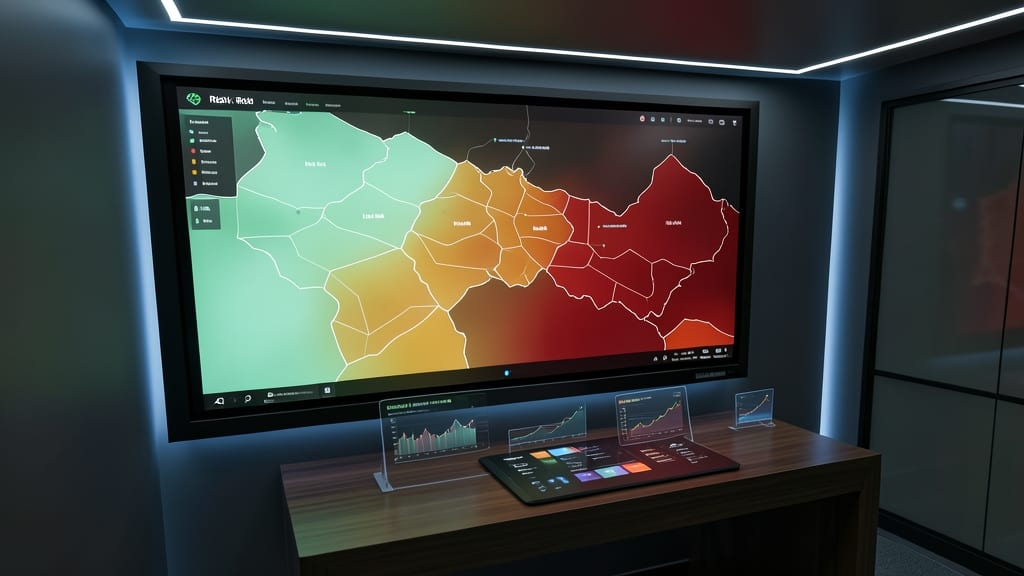
When financial risks lurk in the shadows, interactive risk heatmaps turn uncertainty into actionable clarity. These dynamic visualizations assign color-coded severity levels (green for low risk, red for critical) to risks like market volatility, credit exposure, or operational gaps—letting you spot threats at a glance.
Tools like Tableau or Power BI let you filter by risk category, drill into specific metrics, and even overlay risk scores with financial performance data. The real magic? Real-time updates ensure your dashboard reflects the latest data, while interactive legends explain risk thresholds without overwhelming your audience.
Perfect for risk committees, compliance officers, or CFOs presenting to boards, these heatmaps replace dense spreadsheets with intuitive, shareable insights—because proactive risk management starts with seeing the big picture. ✨
AI-Powered Financial Insight Generators

Drowning in financial data but short on time to explain it? AI-powered insight generators transform raw numbers into polished, natural-language narratives—like having a data analyst on call 24/7. Tools like Finmark AI or Narrative Science’s Quill automatically generate reports that highlight key trends, anomalies, and actionable insights without manual drafting.
These platforms connect directly to your Excel, SQL databases, or ERP systems, analyzing patterns and drafting summaries in minutes. For example, a quarterly revenue report might auto-generate a paragraph like: "Revenue grew 12% YoY, driven by a 30% surge in Q4 sales—outperforming the industry average by 8%." Customizable templates ensure consistency across reports, while NLP-driven explanations adapt to audience expertise.
Perfect for financial analysts, CFOs, or small-business owners who need to communicate insights faster than spreadsheets allow. No coding required—just upload data and let the AI handle the storytelling. ✨