Skip to content
Laptop Tips

Laptop Tips

  • All Articles
  • App
  • Coding
  • Hardware
  • More
    • Operating System
    • Outlook
    • PowerPoint
    • Review
    • Software
    • Tip & Trick
    • Troubleshooting
    • Windows

Windows — Page 6

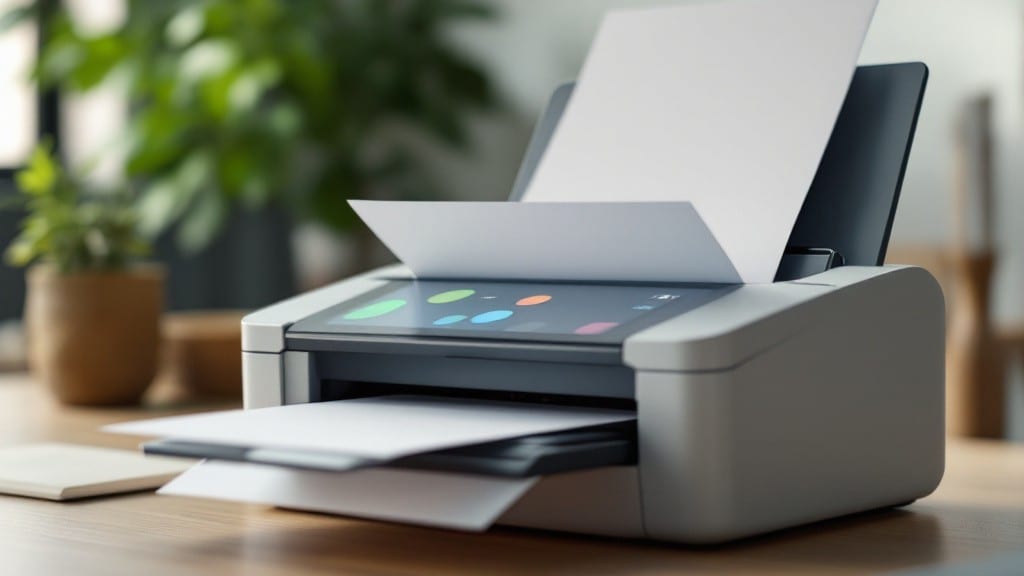
Windows Fax and Scan Free Download: Microsoft’s Official Tool for Printing, Scanning, and Faxing
October 15, 2026 by Ira Pappas
Windows Fax and Scan Free Download: Microsoft’s Official Tool for Printing, Scanning, and Faxing

Microsoft’s Windows Fax and Scan is a free, built-in tool for printing, scanning, and faxing—no third-party downloads needed. If you’ve ever paid for software just to send a fax or digitize a document, you’ll love this…
Read more

Categories Windows

Windows Media Center Download for Windows 10: Restore Classic TV Experience with This Simple Workaround

November 19, 2026 by Ira Pappas
Windows Media Center Download for Windows 10: Restore Classic TV Experience with This Simple Workaround

You can still download Windows Media Center for Windows 10 as a free add-on—Microsoft never fully removed it, just hid it behind a simple toggle. Miss the intuitive interface and TV-centric features? Many users assumed…

Read more

Categories Windows

Windows Media Player for Windows 11: Direct Download & Legacy Fixes That Work

October 13, 2026 by Ira Pappas
Windows Media Player for Windows 11: Direct Download & Legacy Fixes That Work

Downloading Windows Media Player for Windows 11 brings back a familiar media hub—though Microsoft no longer bundles it by default. If you’ve ever missed its simplicity for playing old WMV files or ripping CDs, you’re in…

Read more

Categories Windows

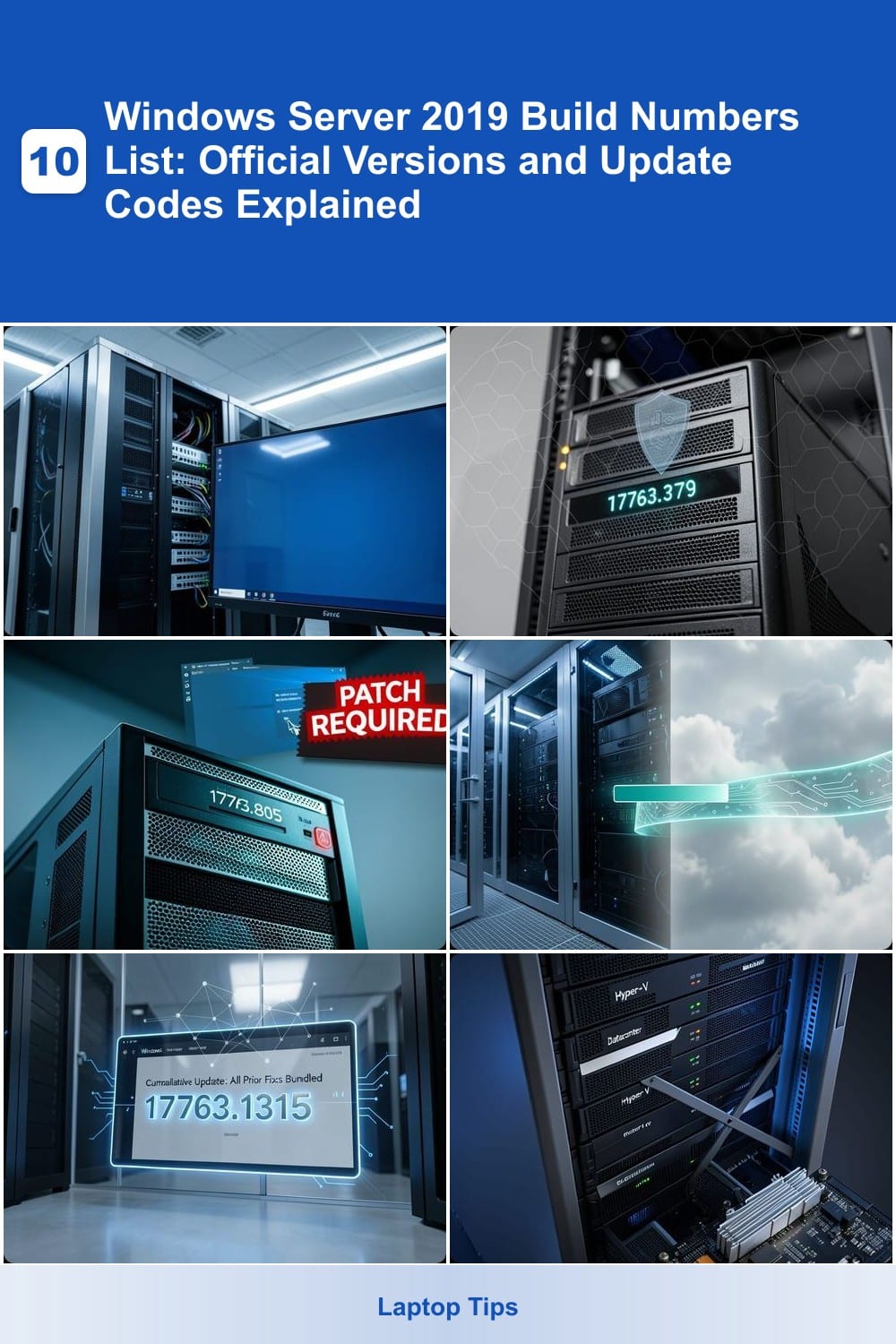
10 Windows Server 2019 Build Numbers List: Official Versions and Update Codes Explained

October 16, 2026 by Ira Pappas
10 Windows Server 2019 Build Numbers List: Official Versions and Update Codes Explained

Tracking Windows Server 2019 build numbers helps IT admins and developers stay updated on patches, features, and compatibility changes. This list breaks down the official build versions, update codes, and key release…

Read more

Categories Windows

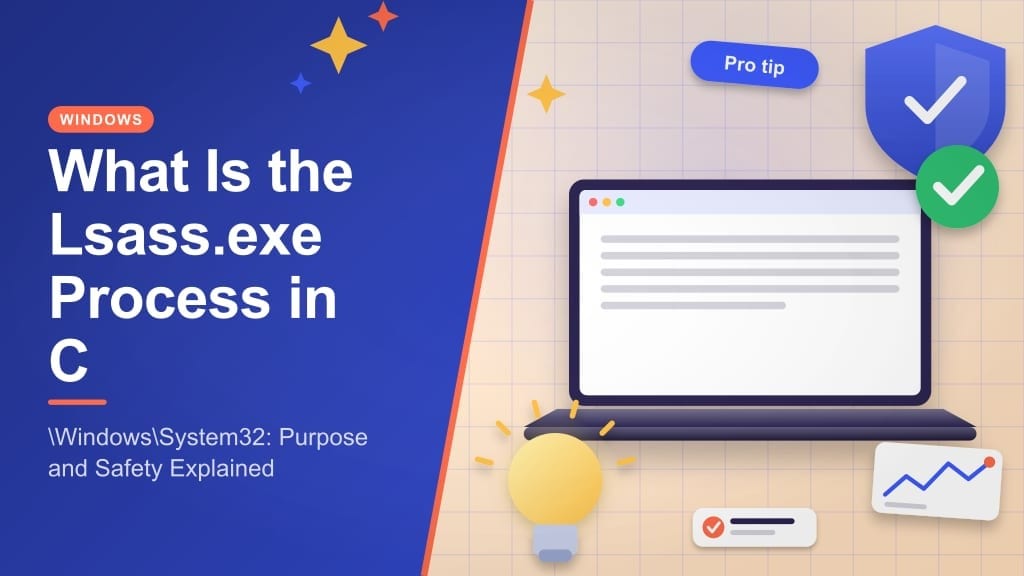
What Is the Lsass.exe Process in C:\Windows\System32: Purpose and Safety Explained

November 19, 2026 by Ira Pappas
What Is the Lsass.exe Process in C:\Windows\System32: Purpose and Safety Explained

💥 Quick Answer Lsass.exe in C:\Windows\System32 is a core Windows security process that handles user authentication, enforces security policies, and manages system access permissions. While it's essential for Windows…

Read more

Categories Windows
Page1…Page4Page5Page6

About Me

Ira Pappas

Ira Pappas
My first computer was a clunky desktop in my dad’s office, its green-screen monitor flickering with BASIC code I barely understood. That machine taught me two things: tech can be intimidating, but it’s also full of magic if you know where to look. Here, I break down everything from fixing a frozen PC to mastering the latest software—because no one should feel lost in their own device. Think of me as the friend who’s always happy to help, whether you’re troubleshooting a glitch or just trying to figure out what your laptop’s doing under the hood.

Learn more

Recent Posts

  • How to Update Microsoft Teams on Laptop: One-Click Refresh for Latest Features
    How to Update Microsoft Teams on Laptop: One-Click Refresh for Latest Features
  • How to Rotate Screen on Windows 8 Laptop: Three Universal Fixes for Any Laptop
    How to Rotate Screen on Windows 8 Laptop: Three Universal Fixes for Any Laptop
  • How to Adjust Brightness on Microsoft Surface Laptop: Instant Fix for Screen Clarity
    How to Adjust Brightness on Microsoft Surface Laptop: Instant Fix for Screen Clarity
  • Laptop Keyboard Restart: Universal Shortcuts That Work Every Time
    Laptop Keyboard Restart: Universal Shortcuts That Work Every Time
  • How to Connect Wireless Keyboard to Laptop: Pairing Tricks for Instant Connection Success
    How to Connect Wireless Keyboard to Laptop: Pairing Tricks for Instant Connection Success
  • All Guides
  • About
  • Contact
  • Privacy Policy
  • Cookie Policy
  • Terms of Use
© 2026 laptoptips.website