My first computer was a clunky desktop in my dad’s office, its green-screen monitor flickering with BASIC code I barely understood. That machine taught me two things: tech can be intimidating, but it’s also full of magic if you know where to look. Here, I break down everything from fixing a frozen PC to mastering the latest software—because no one should feel lost in their own device. Think of me as the friend who’s always happy to help, whether you’re troubleshooting a glitch or just trying to figure out what your laptop’s doing under the hood.
Downloading Windows 7 Professional 32-bit directly from Microsoft’s verified archives is your safest bet—especially for legacy systems where newer OS versions won’t run. Still stuck on Windows 7? It’s not just…
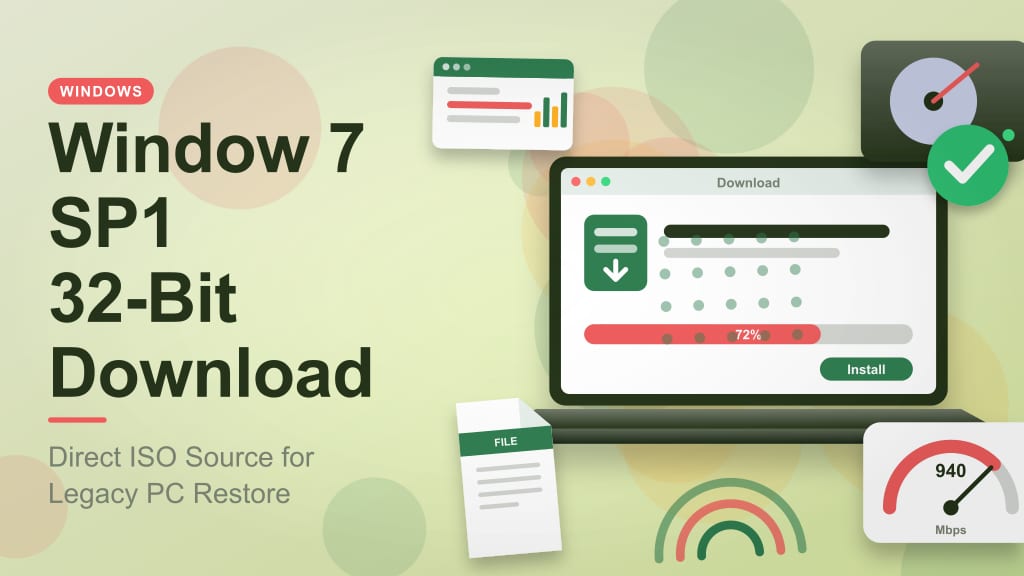
Downloading Windows 7 SP1 32-bit ISO directly from Microsoft’s official archives ensures you get a clean, verified copy—no malware or bloatware to slow down your legacy PC. I’ve spent hours digging through sketchy…
Downloading the Windows 10 21H2 language pack offline via Microsoft’s direct .MSU files ensures a clean, error-free installation for multilingual systems. If you’ve ever hit a dead end searching for trusted sources or…
Downloading Windows 10 drivers for your 64-bit system safely means skipping sketchy sites and heading straight to the official sources—because the wrong file can crash your hardware faster than a coffee spill on your…
Downloading Windows 10 language packs offline lets you install a fully localized OS without internet access—here’s the official way to get them safely. Ever tried installing Windows 10 in another language only to hit a…
When Windows 10 version 21H2 not installing left me stuck in a loop of error codes, I finally cracked the code with this forced install method—no generic fixes here, just the exact steps that worked. ⚡ blockers like…
Downloading the Windows 11 language pack offline in ISO format lets you fully localize your system without internet hassles or bloated updates. Struggling to find a seamless way to localize Windows 11 for non-English…
To download Windows Easy Transfer for Windows 10 legally, you’ll need to dig into Microsoft’s legacy tool archives —the official utility was retired in 2015 but remains free for those upgrading from Windows 7/8. Skipping…
Microsoft’s Windows Fax and Scan is a free, built-in tool for printing, scanning, and faxing—no third-party downloads needed. If you’ve ever paid for software just to send a fax or digitize a document, you’ll love this…
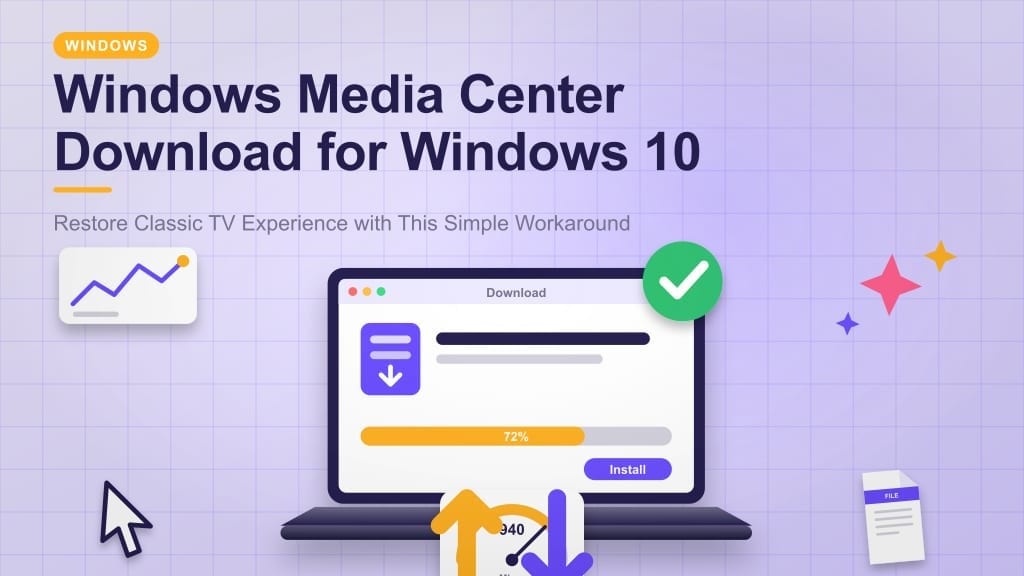
You can still download Windows Media Center for Windows 10 as a free add-on—Microsoft never fully removed it, just hid it behind a simple toggle. Miss the intuitive interface and TV-centric features? Many users assumed…